Young person quick codes
Active child quick codes can be available inside permitted homes for linking daily evidence.
The hashtag system now separates tenant-managed service tags from developer-protected begin, update and end triggers for safer workflow routing.
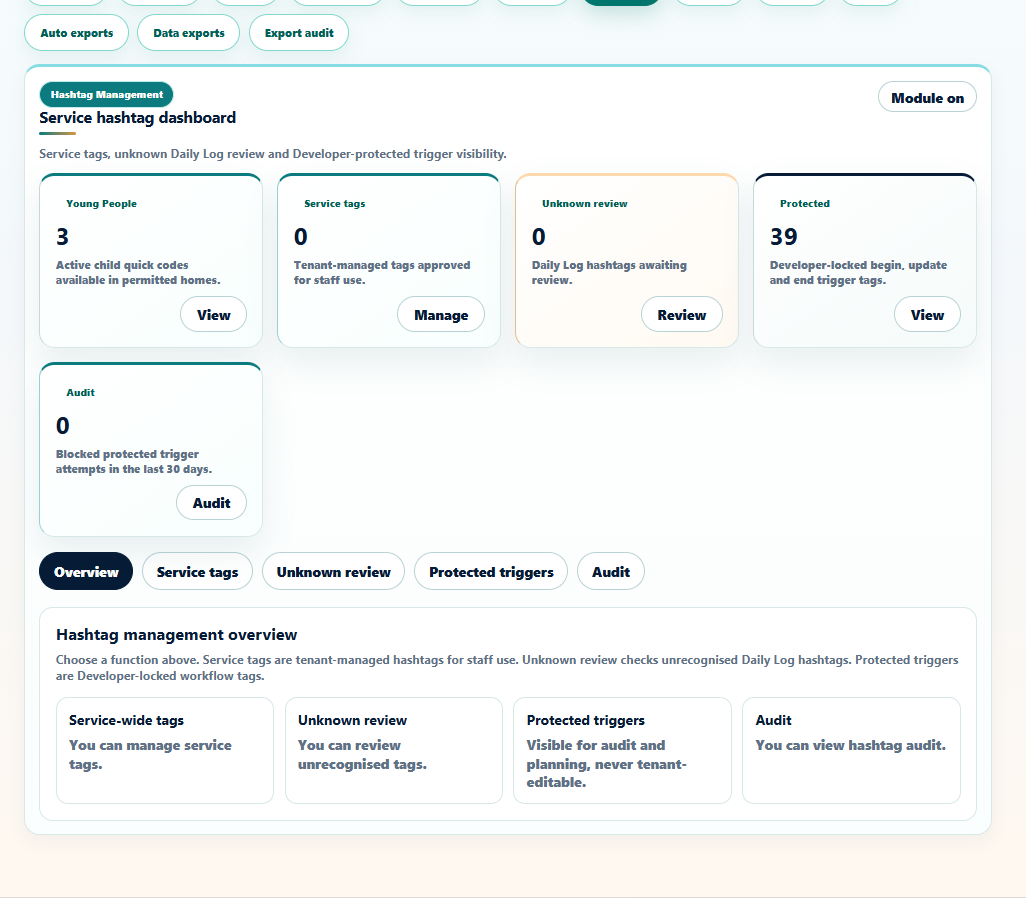
Service hashtags can be managed for staff use, unknown Daily Log hashtags can be reviewed, and protected triggers remain developer-locked.
Active child quick codes can be available inside permitted homes for linking daily evidence.
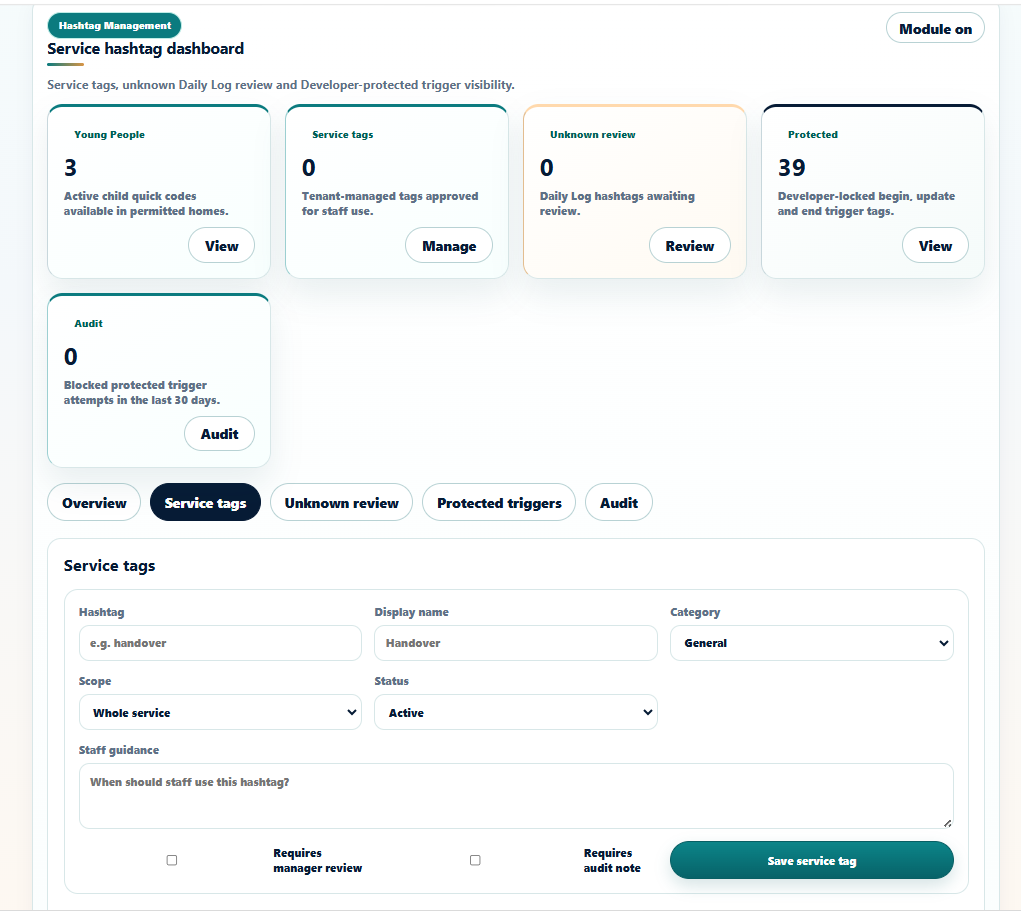
Tenant-managed hashtags can be approved for staff use with display name, category, scope and guidance.
Unrecognised Daily Log hashtags can be surfaced for review before they quietly become a parallel taxonomy.
Developer-locked begin, update and end tags reserve workflow routing for serious modules.
Blocked protected trigger attempts and hashtag actions can support governance and technical review.
Service tags can require manager review or audit notes where the tag needs stronger oversight.
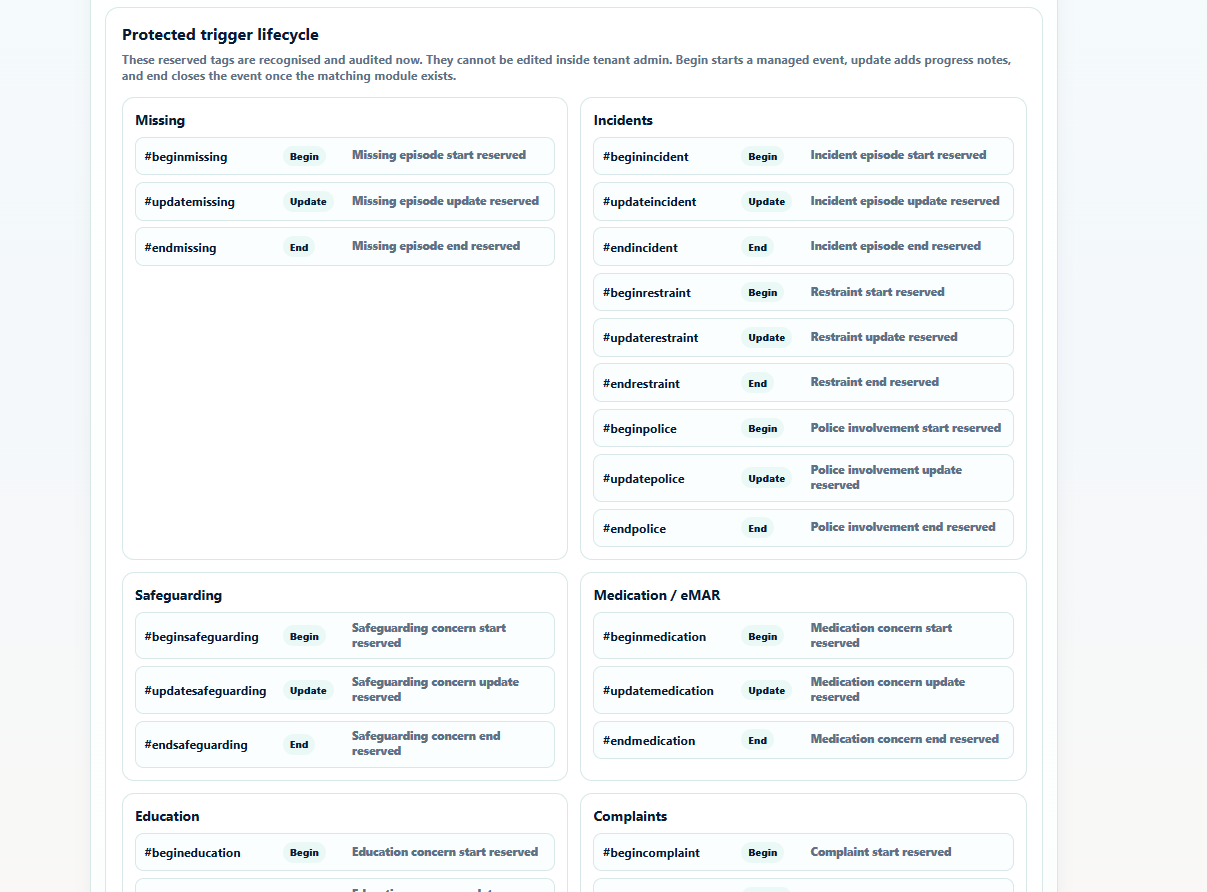
Protected tags are described as recognised and audited. They cannot be edited through tenant admin.