Everyday life
Daily summaries, diary entries, activities, family time and relationships.
Bring daily experience, health, education, relationships and the child’s own voice into one developing picture. Give the next conversation the context it deserves.
Real product screens, captured 10 September 2026. All people, records and figures are fictional demo examples. Select a screen to inspect it in full.
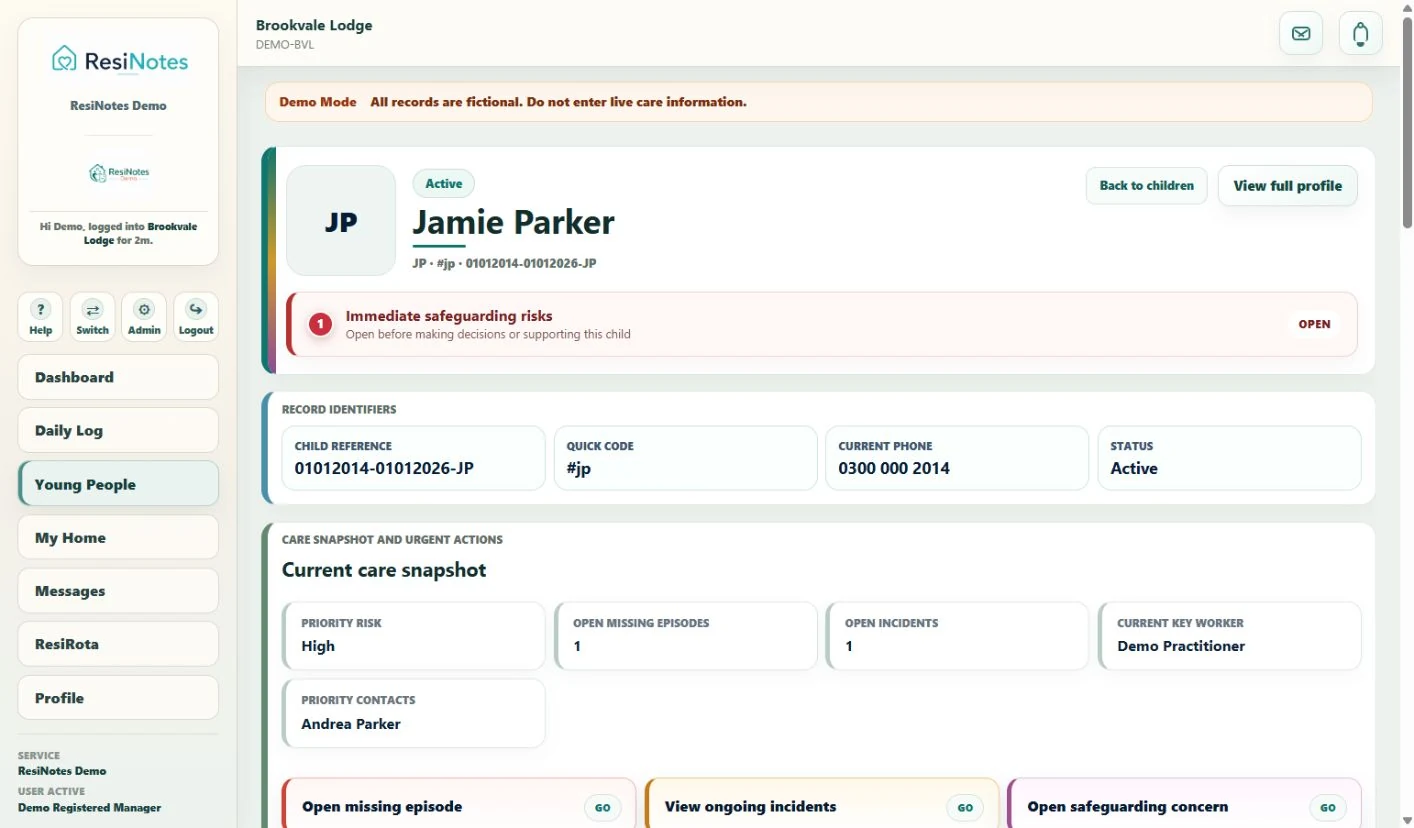
The care snapshot brings current risk, open episodes, connected records and keyworker context together. Staff can move from the immediate picture into the underlying record.
 View full screen ↗
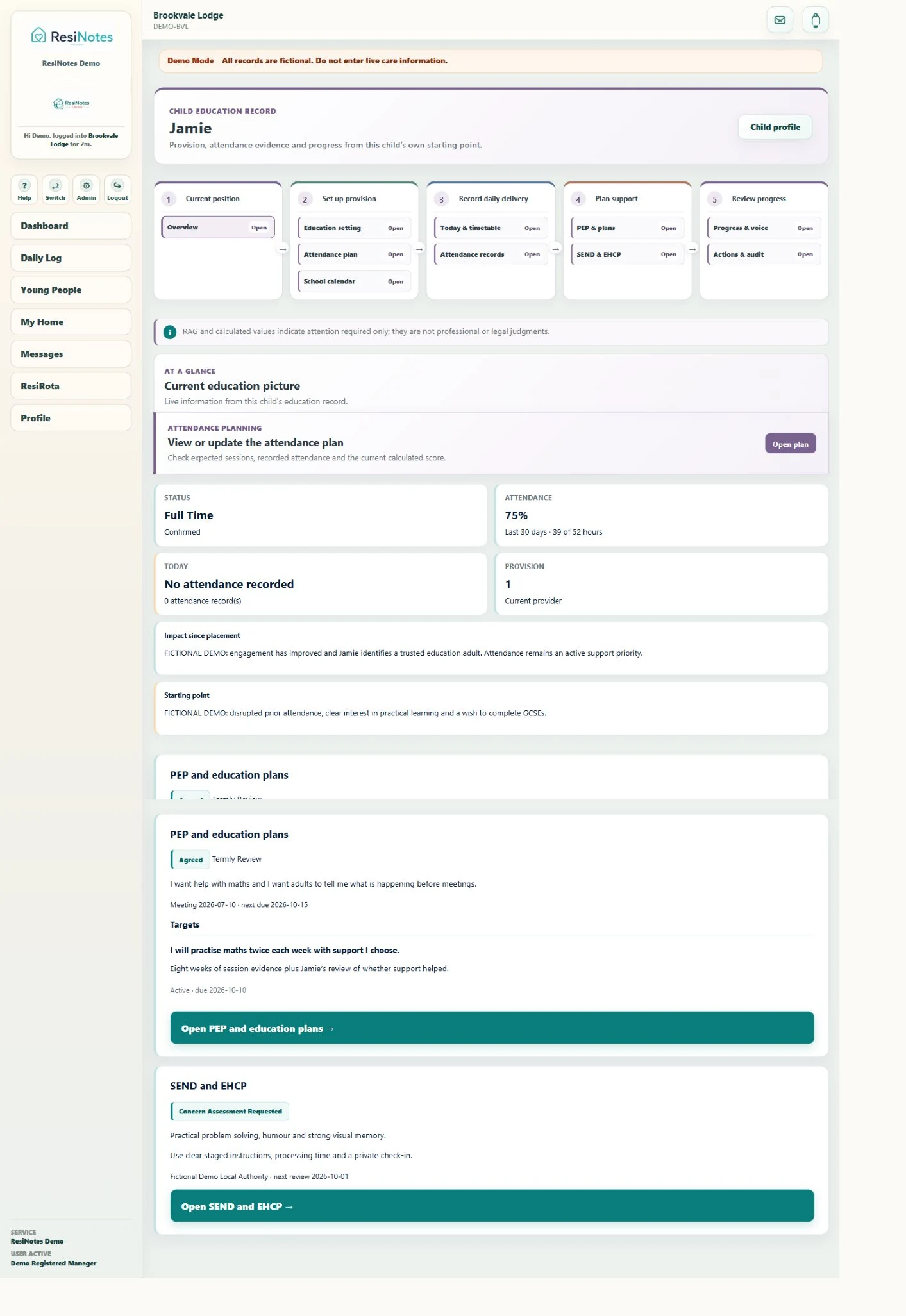
A percentage becomes useful when staff can see the planned learning behind it. Education brings attendance, starting points, support, child voice and review into the same journey.
 View full screen ↗
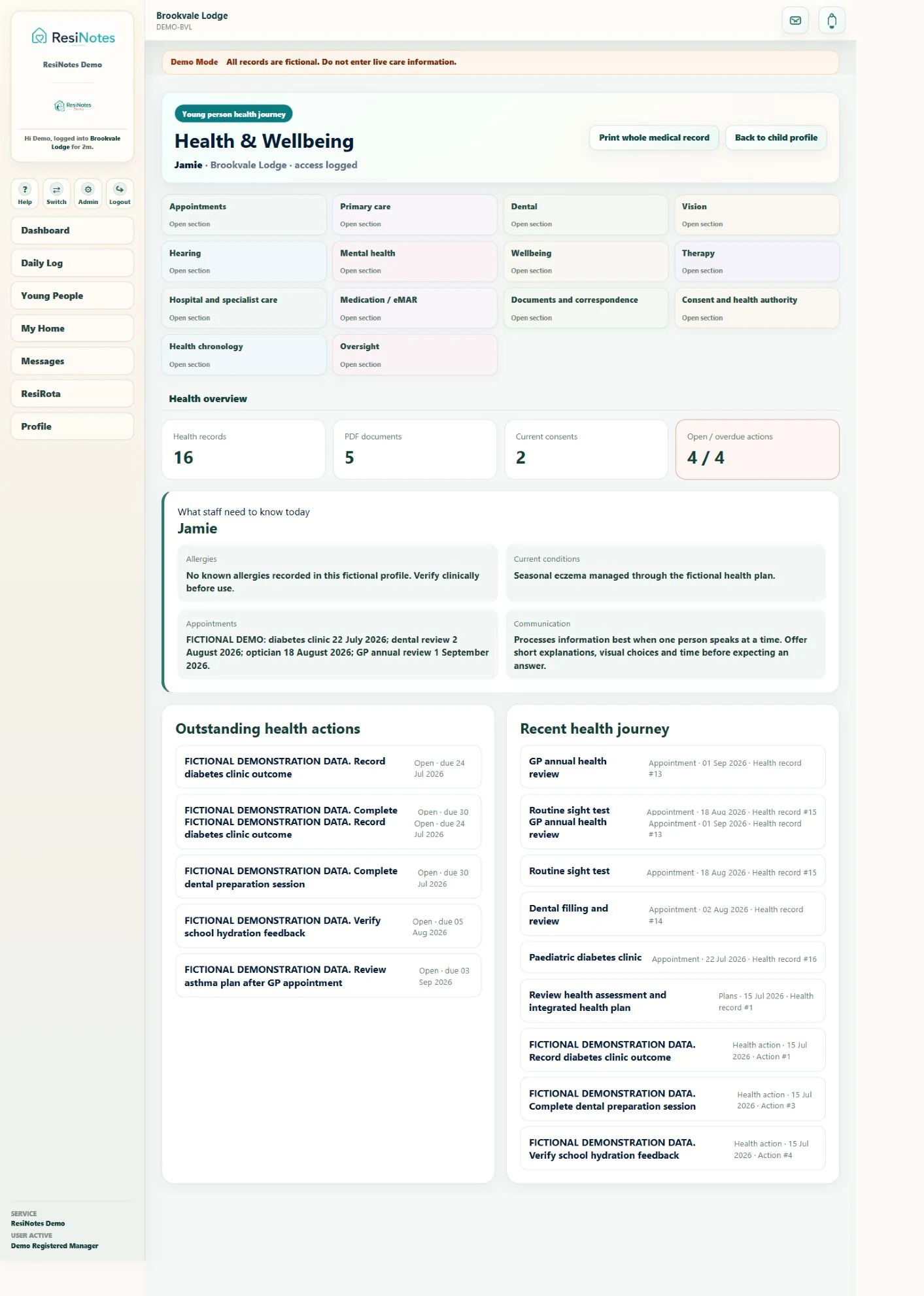
Conditions, allergies, appointments, consent and health communication sit alongside the actions that still need attention. The next member of staff can see what remains to be done.
 View full screen ↗
Daily summaries, diary entries, activities, family time and relationships.
Wishes, complaints, identity and child-friendly information keep the child’s perspective visible.
Risk assessments, support plans, safeguarding and connected events sit around the same child.
Goals, keywork, outcomes, statutory reviews and placement transitions provide a longer view.
Pricing built around each home, with preferential terms for longer commitments. Speak with us about your organisation and the contract that works for you.
Try the fictional demo or let us walk you through the priorities of your home.